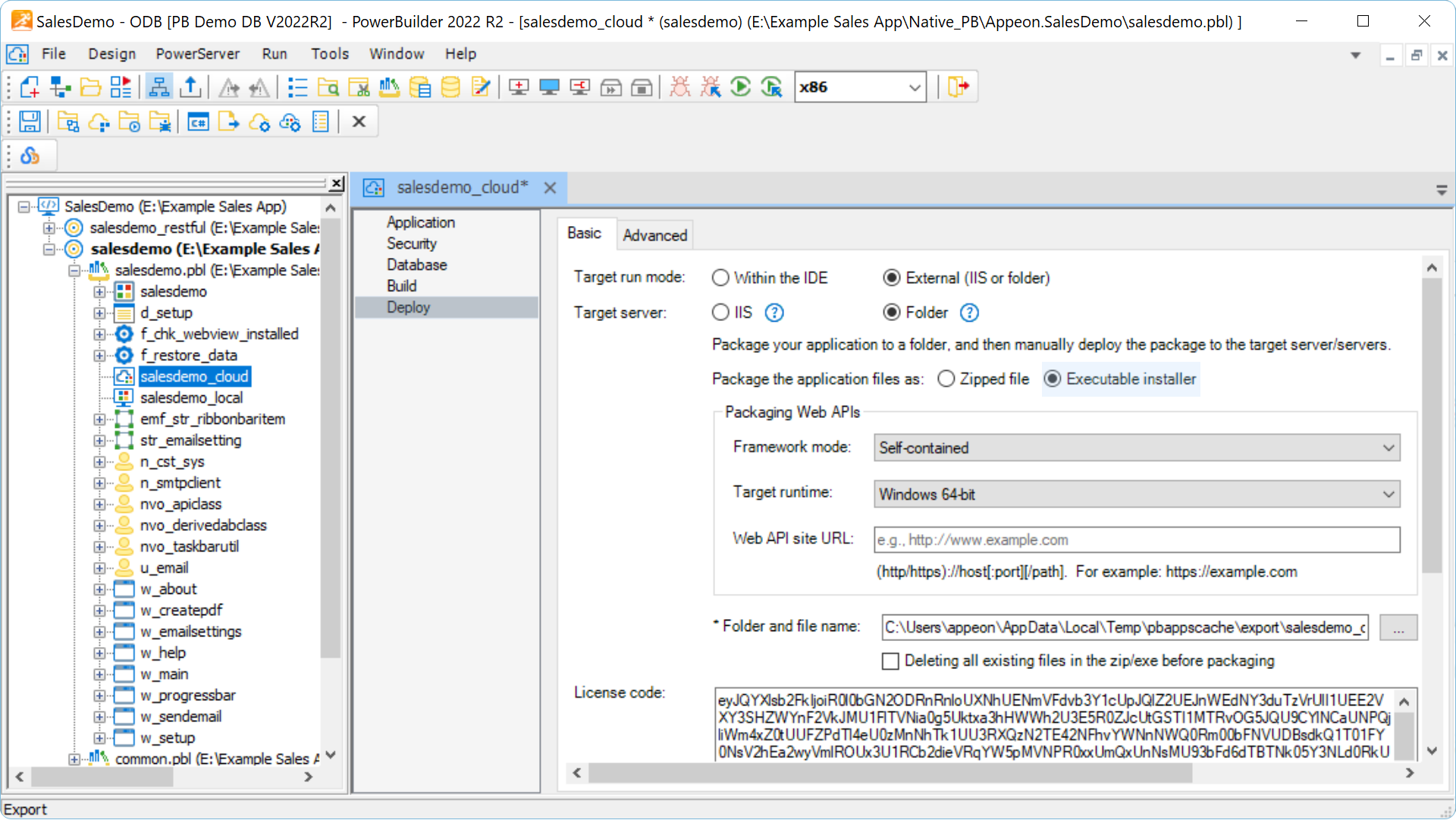
Config the PowerServer Profile in the PowerBuilder IDE.
Create the PowerServer Profile and follow the instructions to make the whole application ready for deployment.

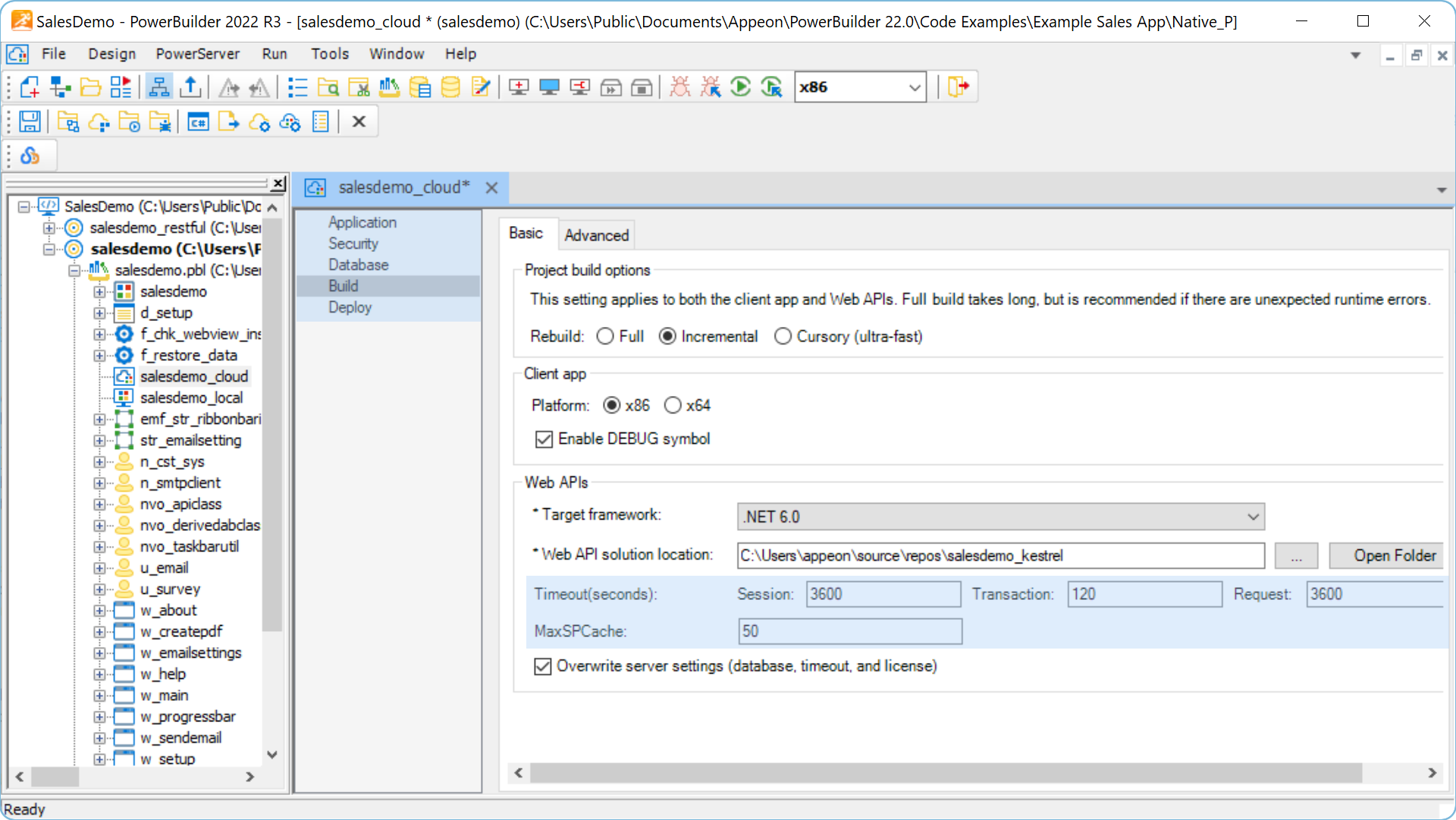
Remediate unsupported features & discrepancies, if any.
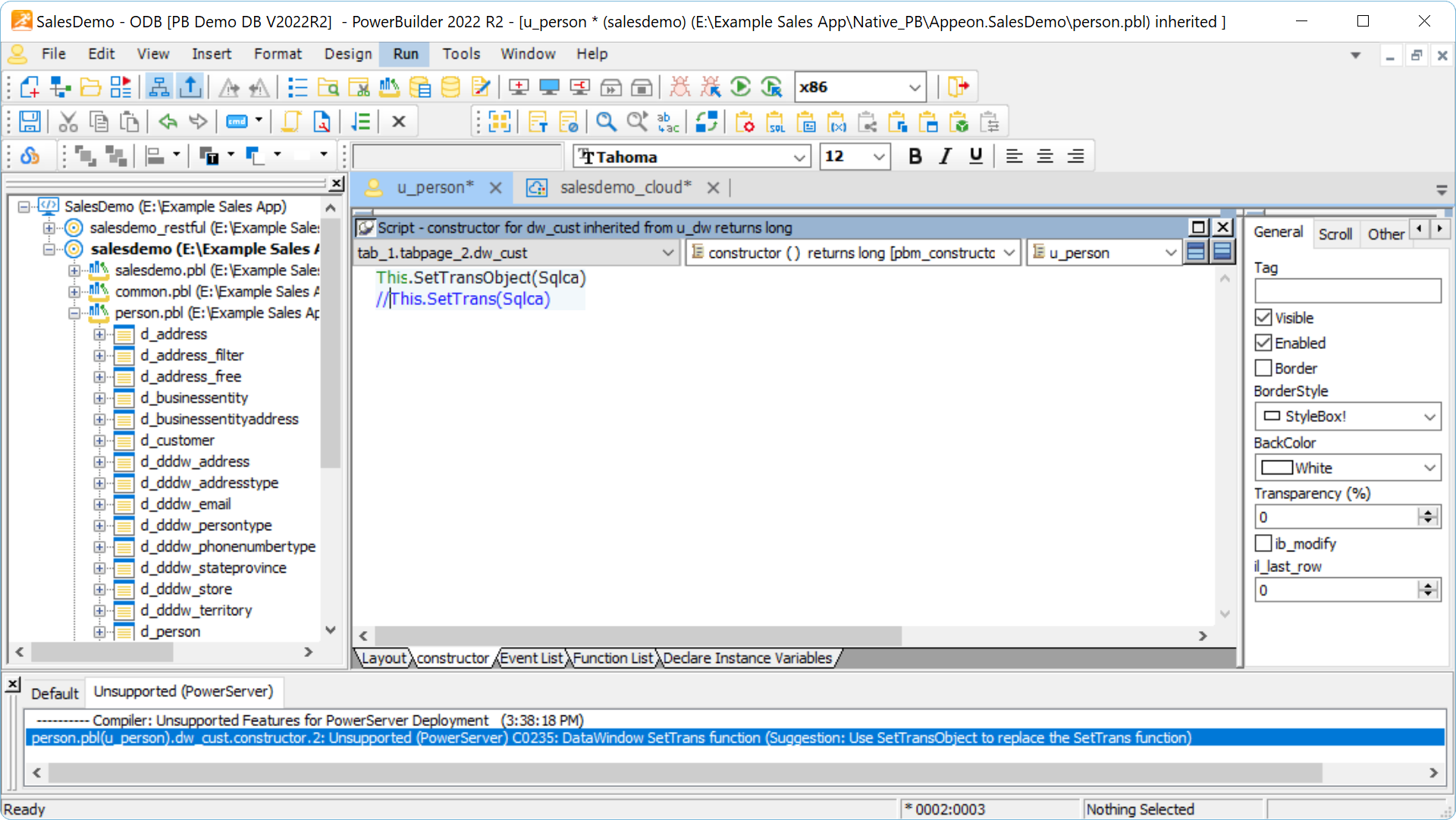
Only a handful of unsupported features and discrepancies. Use the built-in tools to identify these issues and remediate by removing or working around them.
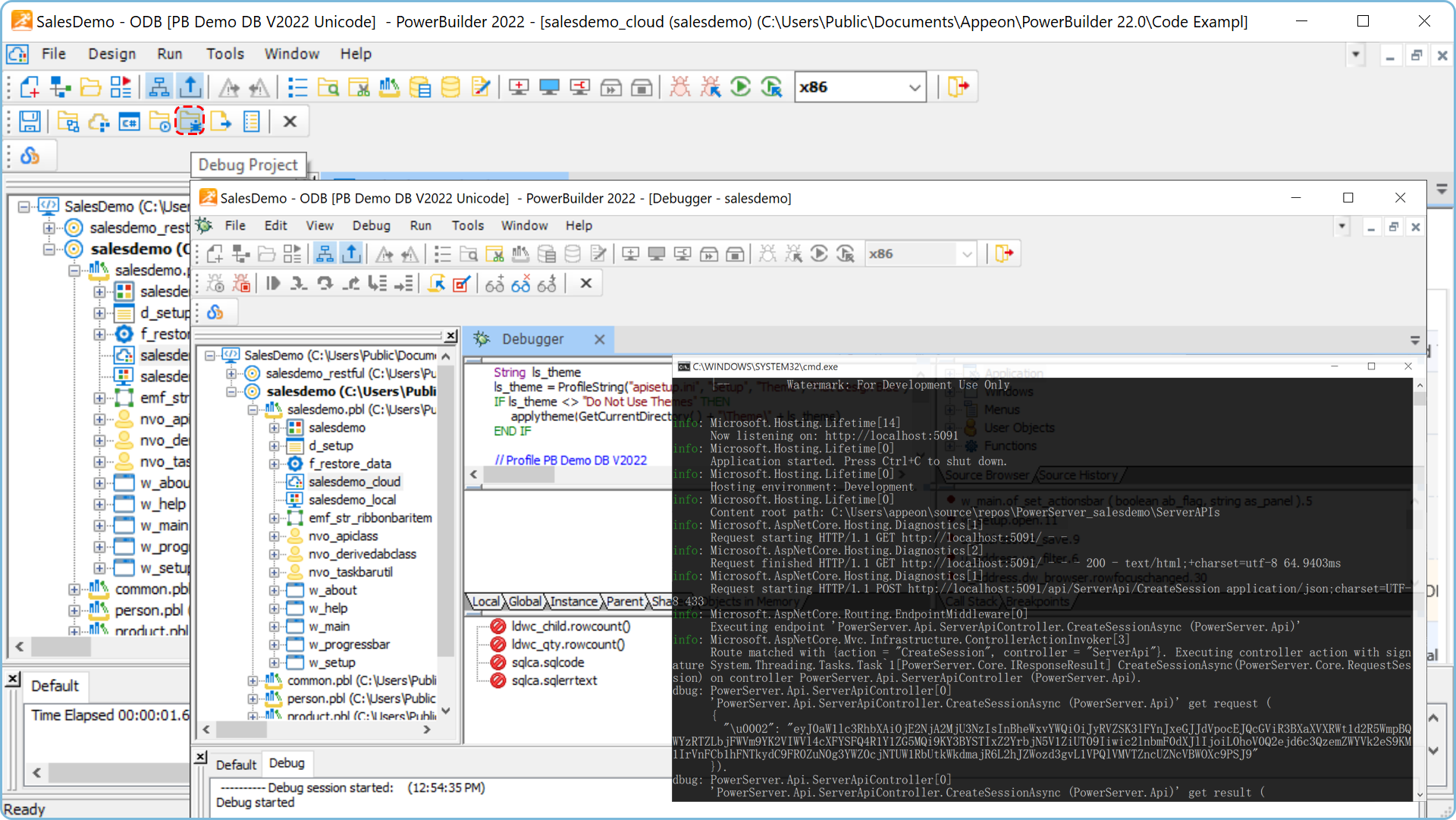
Build & test the app in the development environment.
Properly test your app with various tools and deploy it to your development environment.
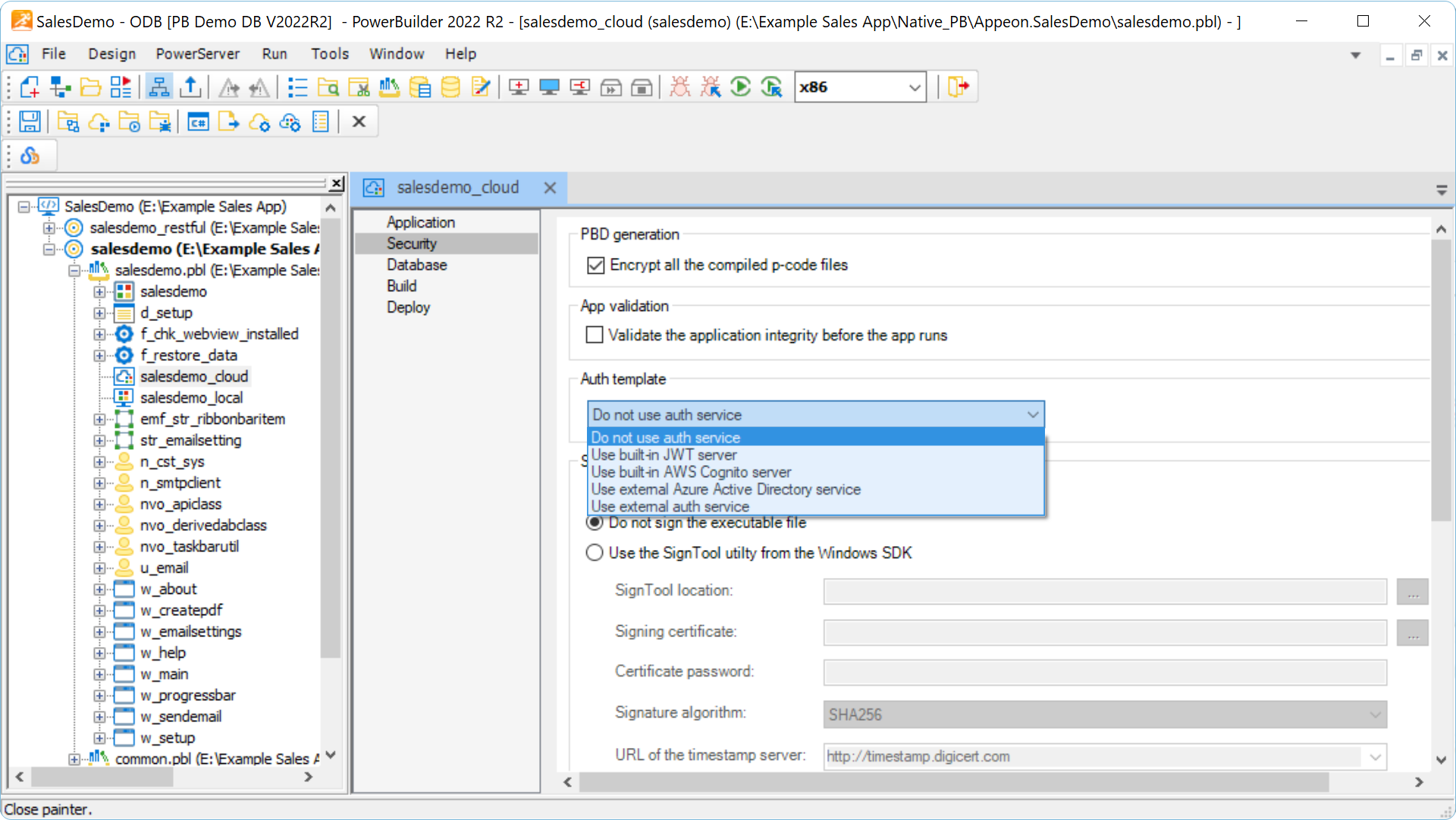
Secure both your client apps and REST APIs with the built-in or external services.
The client apps can be automatically encrypted. Use the built-in JWT services to secure your REST APIs. External auth services, such as Amazon Cognito service, and Azure Active Directory are also supported.
Deploy the tested and secured app to the production environment.
Choose from a variety of deployment options that can accommodate virtually any process, no matter you self-host or use managed services.